
Master Balance
Reveal what is lacking. Control what stands out. Shape the balance.
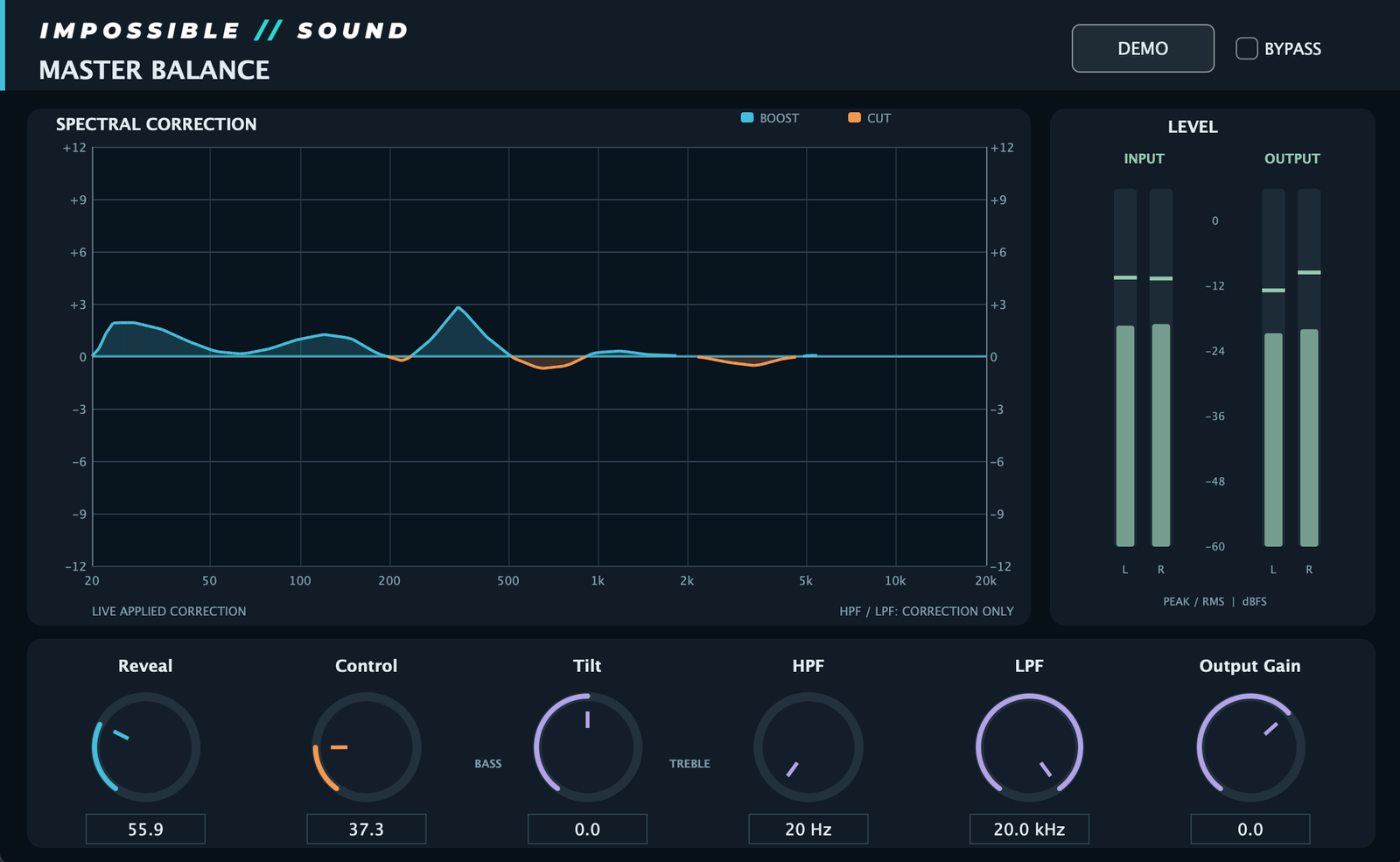
Master Balance is an adaptive spectral balance plugin for Mac and Windows. Reveal lifts frequency areas that sit below their surroundings when there is enough signal to bring forward. Control reduces areas that dominate. Use the two controls together or separately to decide how much correction the music needs.
Bring weaker areas forward
Raise Reveal to lift underrepresented parts of the spectrum. The live graph shows where the correction happens as the audio changes.
Control what dominates
Raise Control to reduce frequency areas that stand out. Adjust it alongside Reveal to find the balance that suits the track.
Set the tonal direction
Use Tilt to shift the correction toward more bass or more treble. Positive settings favour treble; negative settings favour bass.
Choose where correction happens
Correction HPF and Correction LPF set the frequency range Master Balance can adjust. They do not filter the audio: frequencies outside the selected range pass through without spectral correction.
See and compare the result
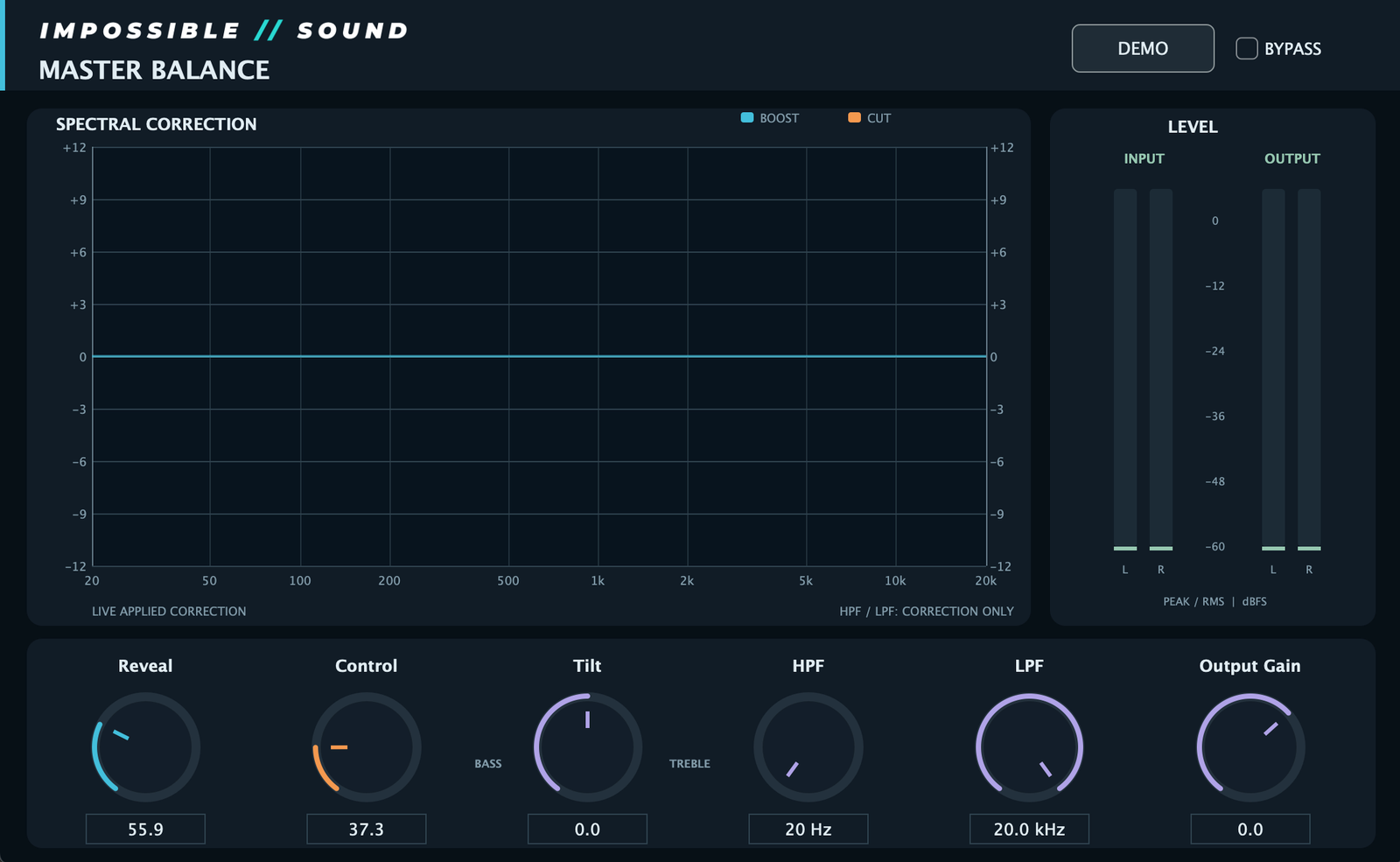
The live correction graph shows where Master Balance is making changes. Separate input and output meters show the levels on each side of the processor. Adjust Output Gain to compare at a similar level, then use Bypass to hear the dry signal.
Features at a glance
- Separate Reveal and Control adjustments
- Tilt for tonal direction
- Correction HPF and LPF to limit the processing range
- Output Gain and Bypass
- Live correction graph and input and output meters
- Mono and stereo processing
- AU, VST3 and AAX on macOS; VST3 and AAX on Windows

FAQ
What does Reveal do?
Reveal lifts frequency areas that are weaker than their surroundings when there is enough signal in those areas to bring forward.
What does Control do?
Control reduces frequency areas that stand out relative to the surrounding audio.
Do Correction HPF and LPF filter the audio?
No. They limit where spectral correction can occur; audio outside that range still passes through.
Which operating systems are supported?
macOS and Windows.
Which plugin formats are supported?
macOS: AU, VST3 and AAX. Windows: VST3 and AAX.
Can I try it first?
Yes. A full-function demo is available for 14 days from first activation on one computer. A purchased licence provides permanent access and supports activation on two computers.